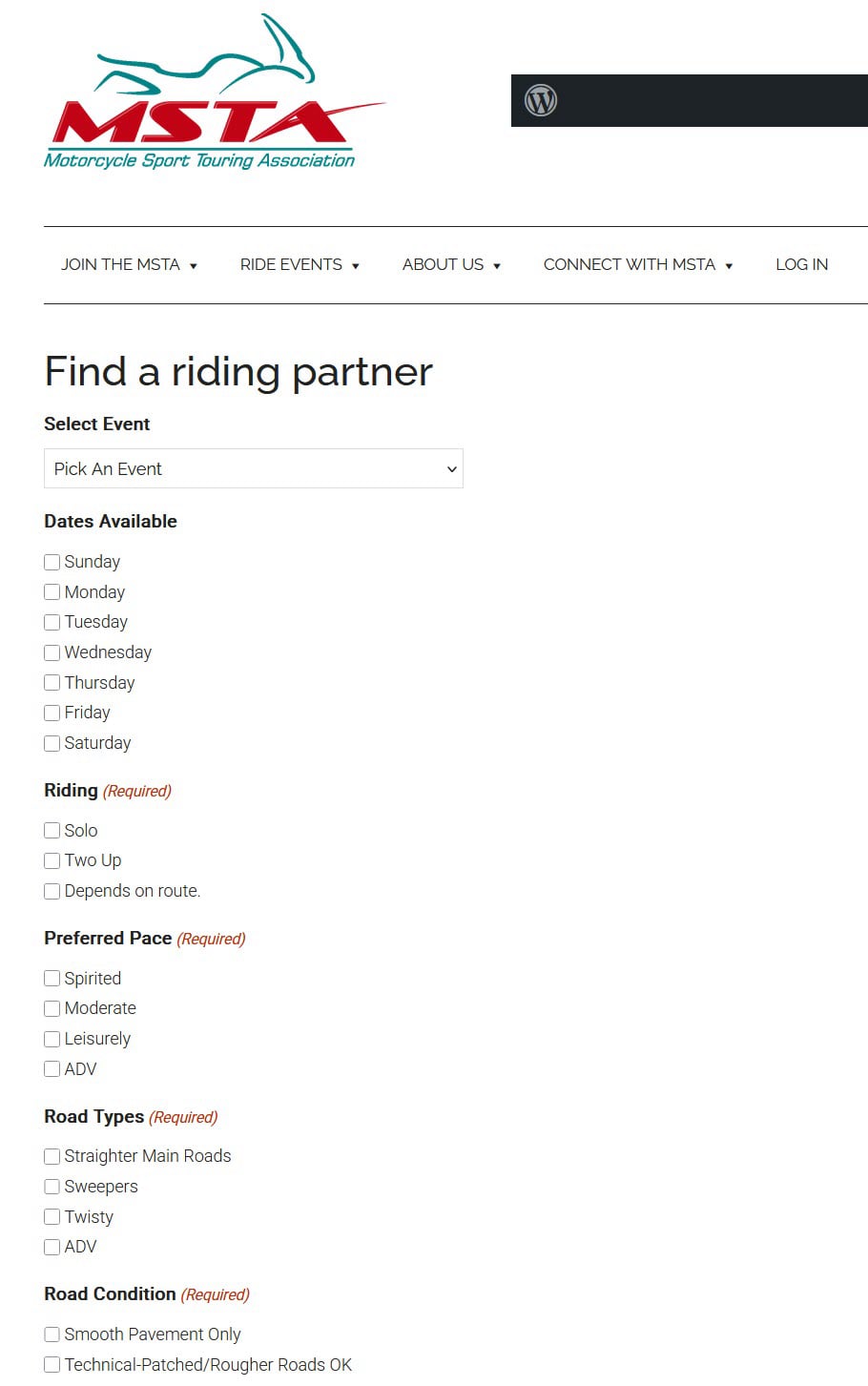
1. Click the "ENTER YOUR PREFERENCES HERE" button above to go to the form. FlyBy Week will already be selected (but you can choose other events too.)
2. You specify day of the week, Solo or Two Up, Preferred Pace, Road type and Condition, Lead or Follow, Maximum Number you want to ride with, Navigation Ability, Event Specific Routes You Want to Ride, what Intercom you have, Riding Gear preferences, details about your bike and your Contact Info.
3. When you're done, hit the Submit button and your info will be forwarded to the event coordinator.
4. To see info that other attendees have entered, click the "VIEW OTHER RIDERS PREFERENCES HERE" button above. This page shows other entries for this event in the system in a convenient table you can view and contact other riders prior to the event. The table can even be sorted by your most important preference!
5. The right side of the table has a column called View. You can click on the links to see all details of a specific entry.